 Imajourn
Water
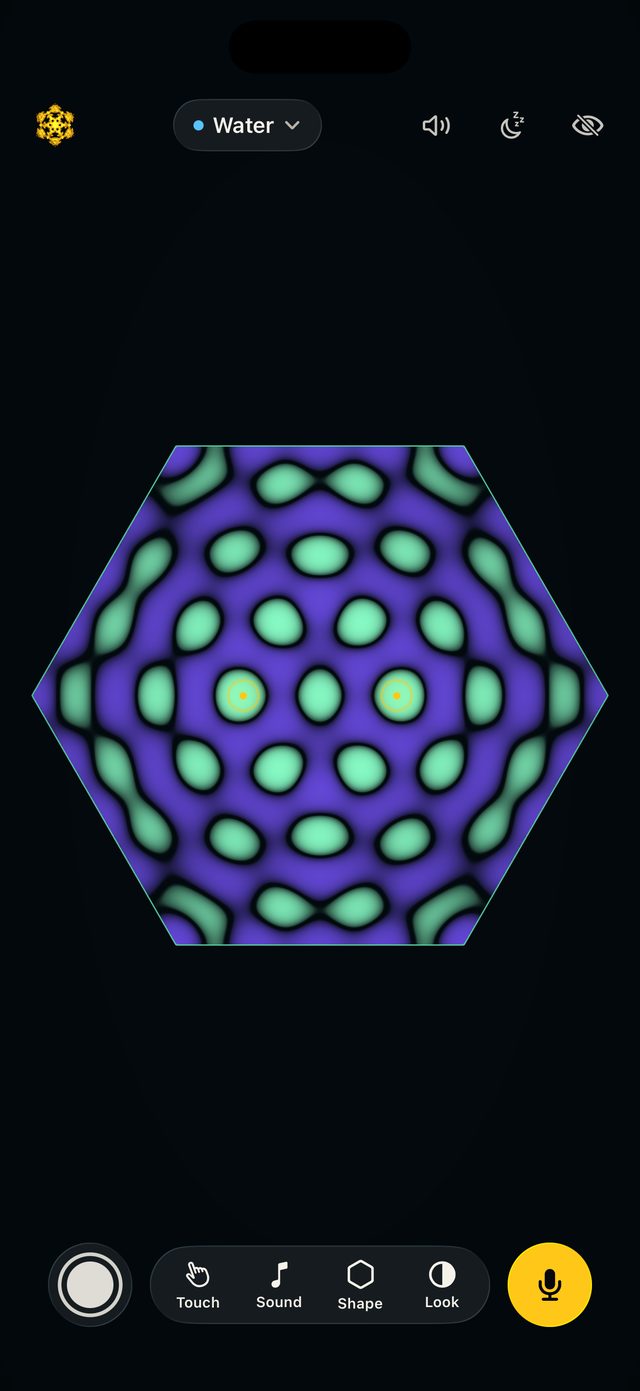
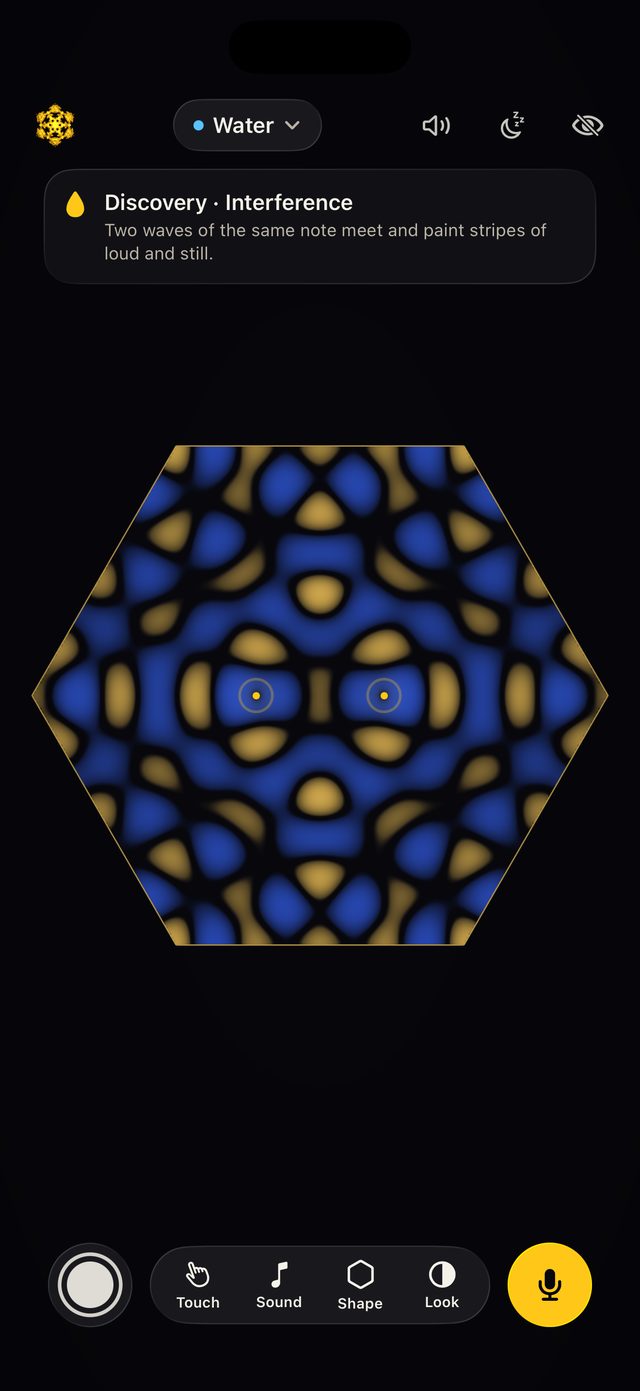
Touch for ripples and notes, always in key. Drag to strum, and draw walls, lenses and sponges to bend the waves.
For iPhone and iPad
Touch the water and every ripple sings. Hum a note and watch it bloom. Ring a plate of sand, or watch sound travel through a room in three dimensions.

Free to play. Imajourn Pro is one purchase, never a subscription.

Touch the water
Intro video
Three spaces
The same physics in three places to play: waves you can touch, a plate that rings, and a room you can walk sound around.
Touch for ripples and notes, always in key. Drag to strum, and draw walls, lenses and sponges to bend the waves.
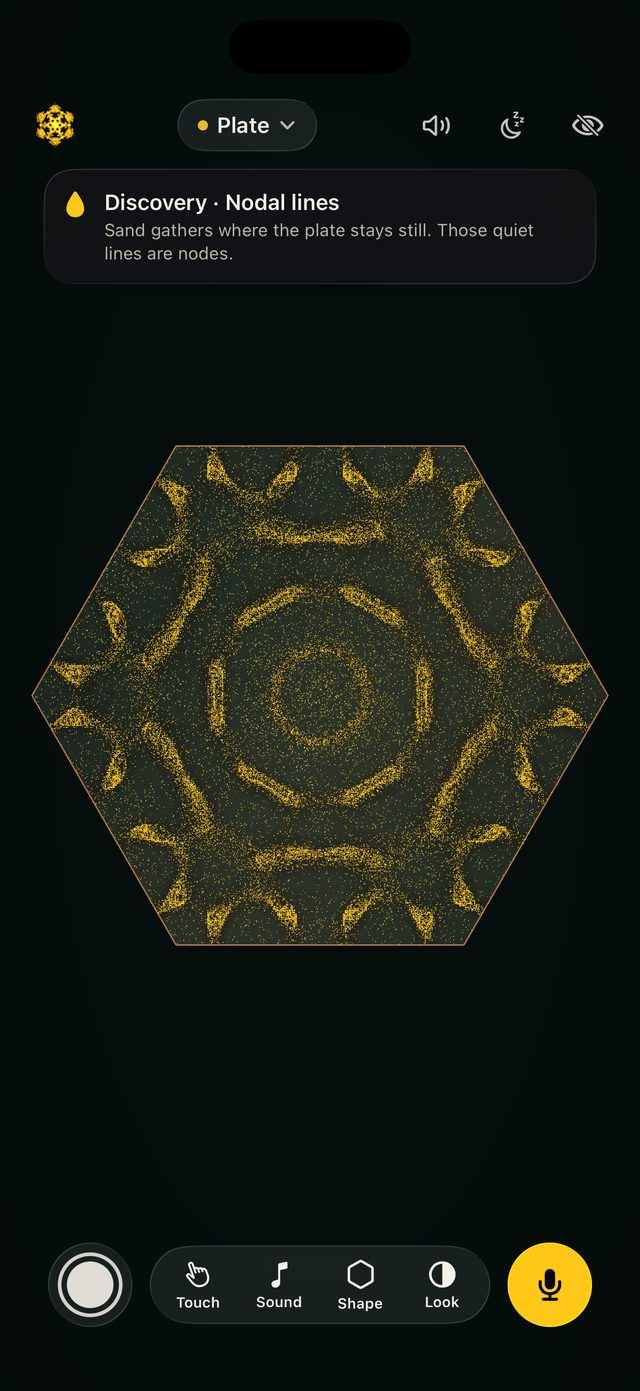
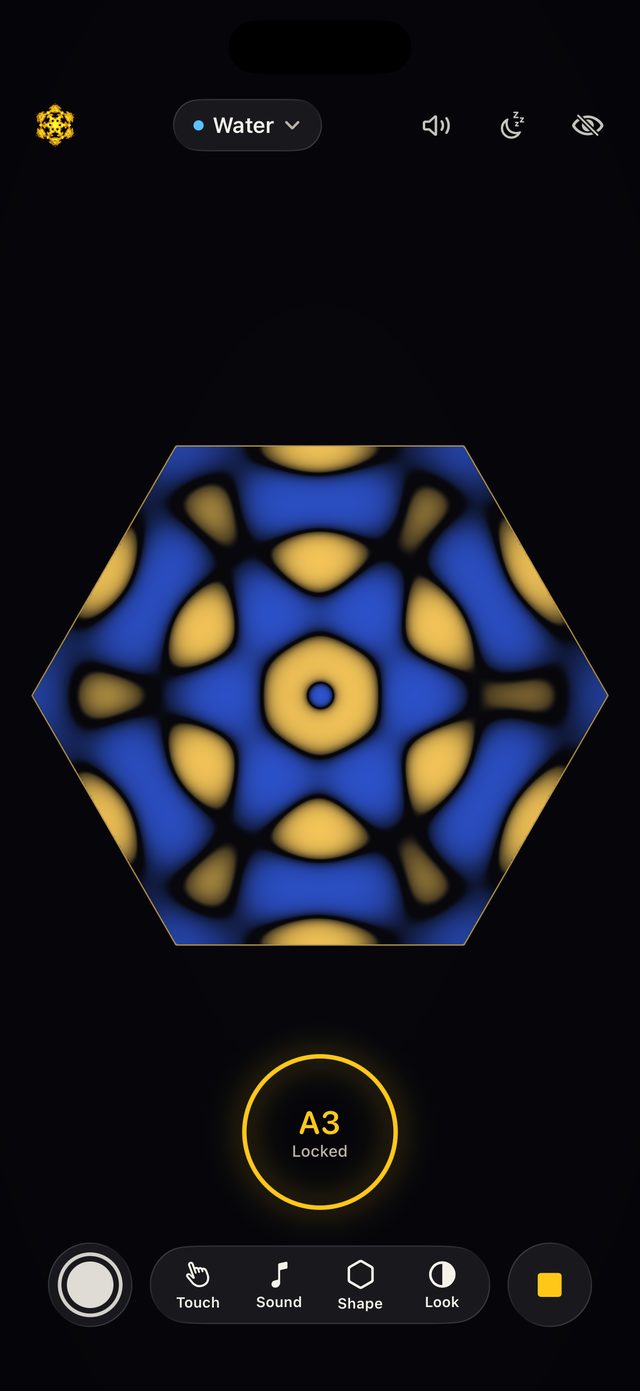
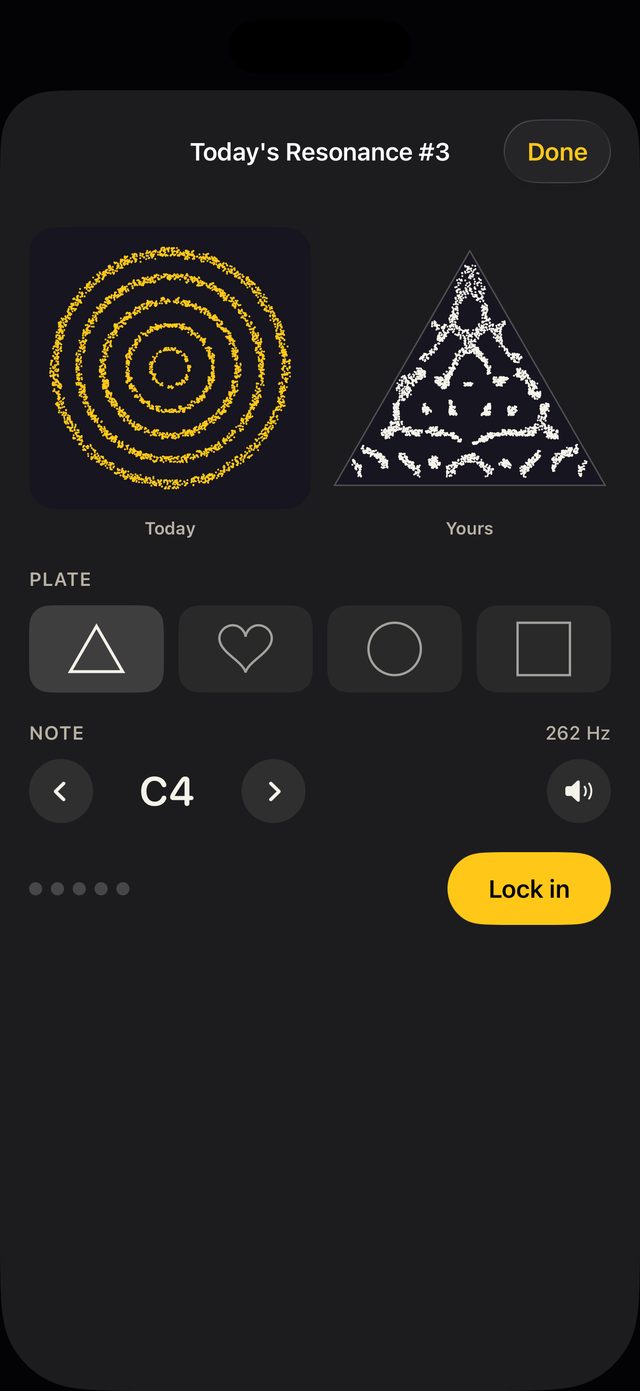
Sand leaps from the moving parts of a ringing plate and settles on its still lines: the figures Ernst Chladni drew in 1787.
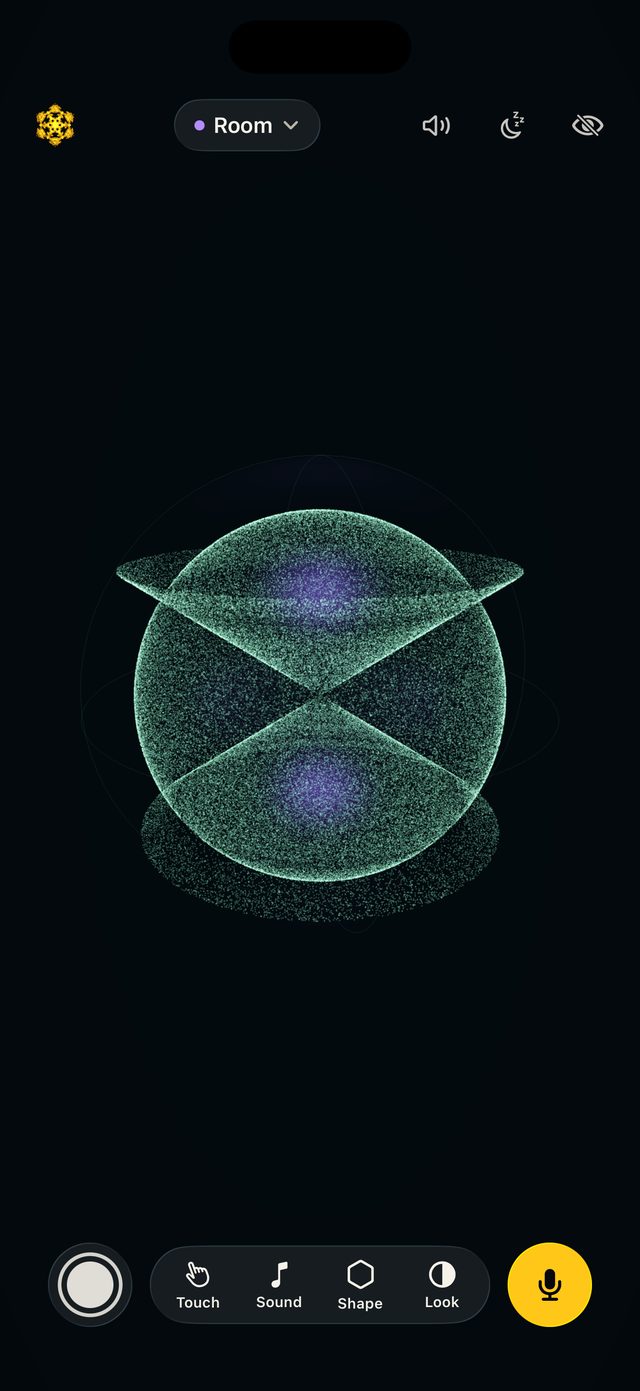
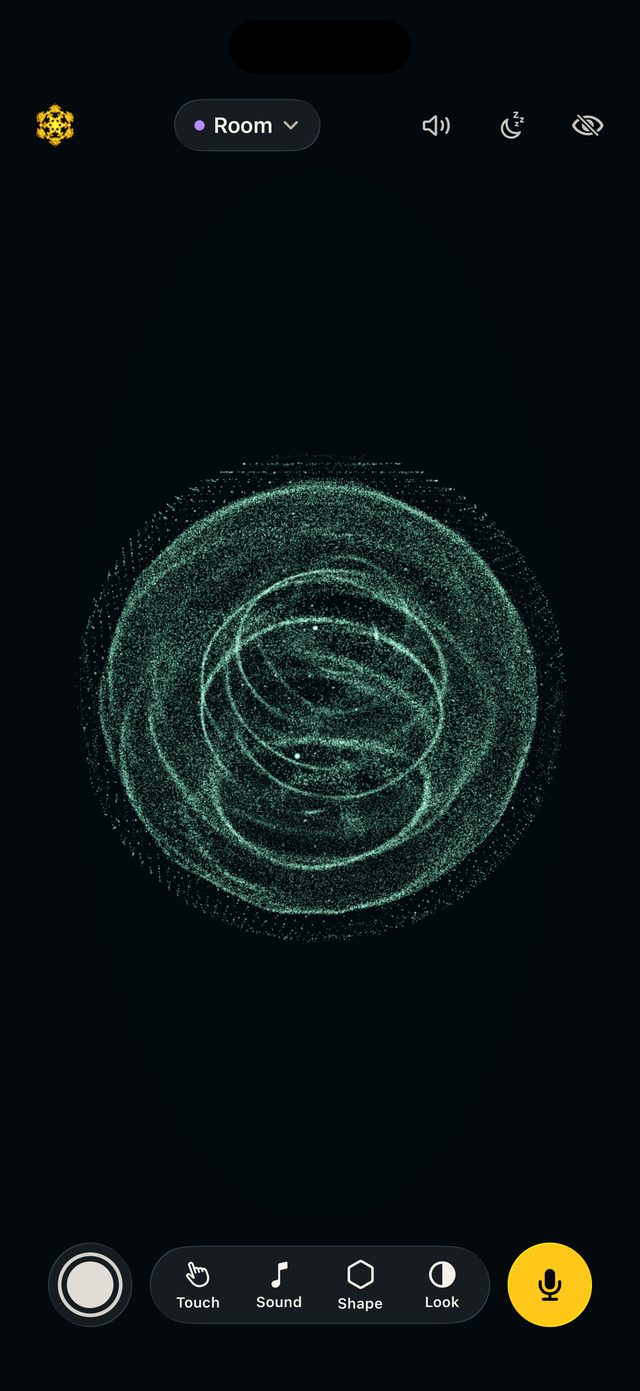
Sound in three dimensions. Light gathers where the air stays still, or clap and watch real waves travel, reflect and build.
Your voice
Imajourn hears the pitch of your voice and turns it into a living pattern. Hold a note steady and the figure locks in.
Your voice drives the waves. Each note draws its own shape.
Sweep a pitch strip through the notes. The ones where your shape resonates glow.
Music and claps around you become drops on the water.
Imajourn listens only while you ask it to. Sound is analysed on your device and never recorded or sent anywhere.
Make it yours
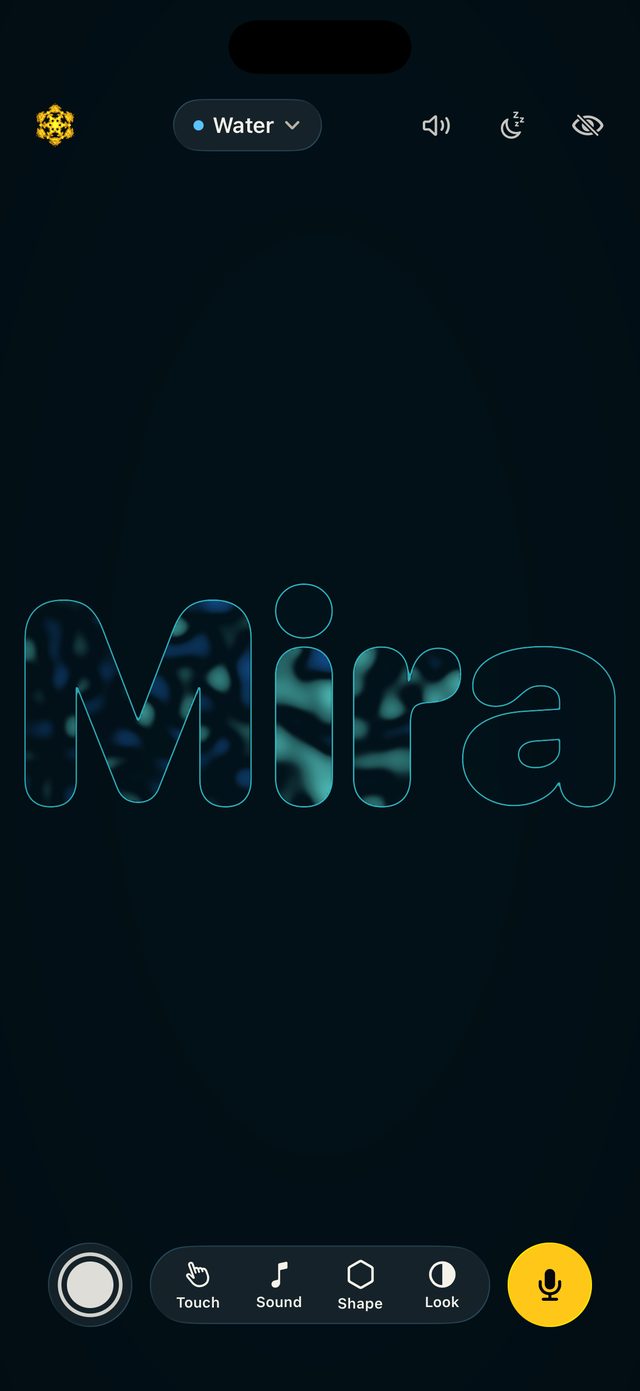
Draw a vessel in one stroke, type your name, use a photo of a drawing, or bring an SVG. Then hear where it rings.
Draw into the water: double slits, focusing lenses, soft edges that drink the waves.
Thirteen palettes, four voices (pure, bowl, glass and choir), eleven scales and a reverb from dry to cathedral.
Room PRO
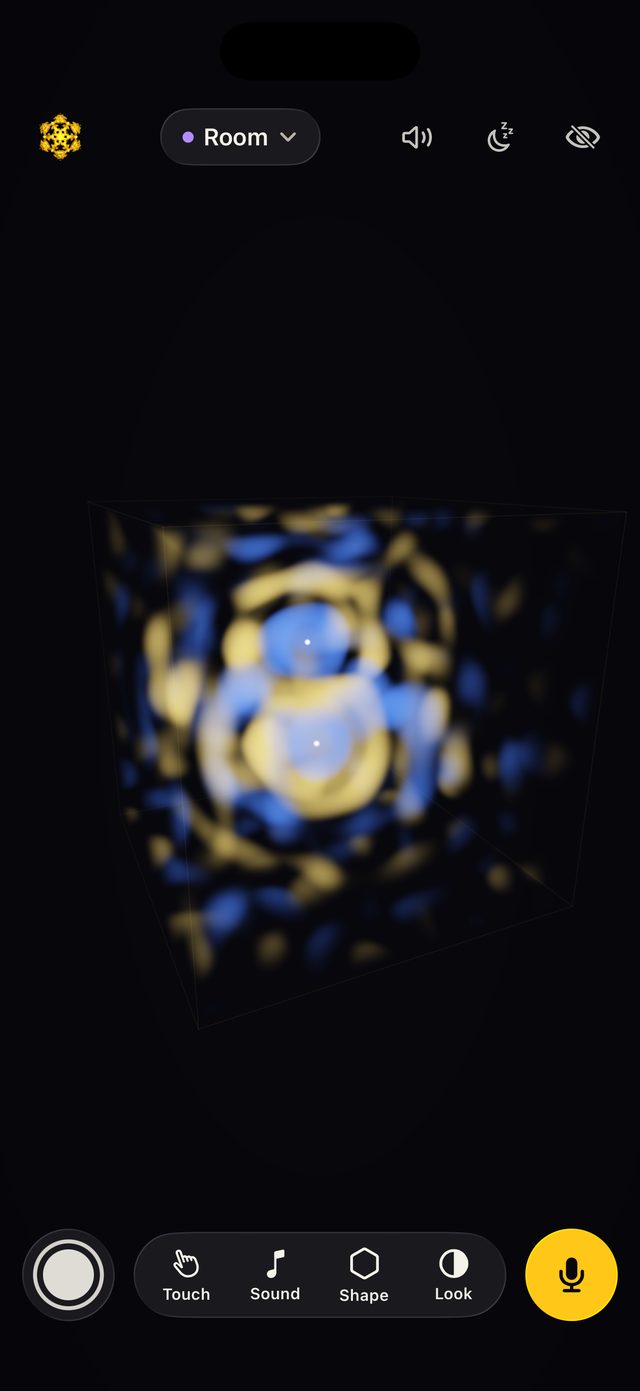
A room is full of standing waves you can't see. Imajourn shows them.
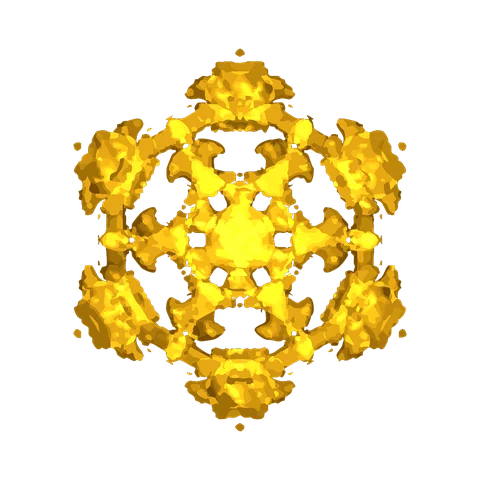
Each note rings a sphere, cube or cylinder at one of its resonances, and points of light gather on the surfaces where the pressure never changes.
Clap, or place up to four singing sources, and watch sound travel, reflect off the walls and build standing waves, as a glowing cloud or points of light.
Import a USDZ, OBJ, STL or PLY file and hear how a hall, a chapel or a room you scanned rings. It's drawn shaded, its near side as glass, so you can see the waves inside.
Learn by playing
As you play, Imajourn notices the wave phenomena you make and collects them in your Atlas, each with a one-line explanation and a way to try it again.
A daily puzzle: match the sand figure by choosing the plate and the note. Five tries, the same puzzle for everyone, and a result you can share without spoiling it.
Keep and share
Hold the shutter in any space. Vertical (9:16) for stories and short videos, or the shape of your screen.
Turn it on and the last 30 seconds are always ready to save, so the beautiful one is never lost.
Keep scenes in your Library and share them as links that open in Imajourn. The scene travels inside the link itself.
Mirror to an Apple TV or an AirPlay TV: the waves fill the big screen while your iPhone or iPad stays the instrument.
The scene plays itself and slowly fades light and sound to sleep when the timer ends.
Softer light, no bright flashes and calmer palettes, for quiet moments.
For everyone
Feel the waves: on iPhone, haptics follow the water under your finger, so a pattern can be explored by touch. VoiceOver is fully supported, with a Describe action that speaks the scene and plays its notes. Dynamic Type, Reduce Motion and Reduce Transparency are respected throughout.
In English, Spanish, French, German, Italian, Brazilian Portuguese, Japanese, Korean, Simplified Chinese and Hindi.
Imajourn Pro
Water and Plate are free to play. Pro opens up everything else, with no subscription.
If you bought Imajourn Pro before, it's still yours: open the menu (the Imajourn mark, top left) and tap Restore Purchases. And if you played Imajourn before 2.0, you're one of its Founders. Thank you.
Support
Open the menu (the Imajourn mark, top left) and choose Imajourn Pro. It's a single purchase. On a new device, or after reinstalling, tap Restore Purchases in the same menu with the Apple Account you bought it with.
Imajourn needs the microphone for Hum and Listen. Check Settings → Privacy & Security → Microphone and make sure Imajourn is on. Then hum one steady note close to your device, away from loud noise.
In Water, open Touch and choose Wall, Lens or Sponge, then draw on the water. Choose Erase to rub out what you drag across, or tap Clear drawing to start again.
Open Room (Pro), choose Waves under Touch, then in Shape tap Import a 3D model. USDZ works best; OBJ, STL and PLY work too. Large scans take a few seconds to prepare. Tap to clap or to place singing sources inside it, and choose Shaded or Outline to see it your way.
Open the menu and tap Share to send the scene you're playing as a link, or share any scene you've kept in your Library. Anyone with Imajourn opens exactly the same scene; anyone without it is pointed to the App Store.
Yes. Open Control Centre, tap Screen Mirroring and choose your Apple TV or AirPlay TV. The TV shows only the canvas, and your device stays the instrument.
No. There's no account, no ads and no tracking, and nothing you play leaves your device unless you share it yourself. The full policy is below.
Privacy
Imajourn collects no data. There's no account, no advertising, no analytics and no tracking in the app. What you make stays on your device unless you choose to share it.
Last updated: 7 November 2026. This policy covers the Imajourn app for iPhone and iPad and this website.
Hum and Listen use the microphone, only while they're on, to hear the pitch and rhythm of sound and turn it into patterns. The sound is analysed in real time on your device and is never recorded, stored or sent anywhere. Clips and Keep the moment record the picture and Imajourn's own sound, never the microphone.
If you choose to, you can pick a photo of a drawing or an object to use its outline as a shape. The photo is processed on your device and isn't kept or shared. Imajourn asks to add to your photo library only to save the stills and clips you capture.
SVG shapes and 3D models (USDZ, OBJ, STL, PLY) that you import are processed on your device and kept in Imajourn's own storage there.
None of this is sent to us or anyone else. Deleting the app deletes it.
When you share a scene, the scene itself is written into the link. Opening such a link on imajourn.com doesn't send the scene to our server: the part of the link that holds it stays in your browser. Clips and stills are shared only where you choose to share them.
Imajourn Pro is bought through Apple's App Store. Apple handles the payment; we never see your payment details or your Apple Account.
imajourn.com uses Google Analytics to count visits (which pages are viewed, roughly where from and on what kind of device), and Google Fonts for its type. Google may set cookies or receive your IP address to do this; you can block both with your browser's settings or a content blocker, and the site works the same.
Imajourn is suitable for all ages. We collect no personal information from anyone, children included.
If this policy changes, the new version will be posted here with its date.
Questions about privacy: write to us.